
If you’re wondering how to install Yuzu on Android 2026, you’re not alone. A lot of players dream of enjoying Nintendo Switch titles on their Android phones with smooth, lag-free performance. Fortunately, the good news is that the Yuzu Emulator APK for Android makes this possible. In this guide, I’ll walk you through the safe setup process step by step so you can enjoy smooth Switch emulation on your phone or tablet.
If you haven’t downloaded Yuzu yet, begin with the Yuzu Emulator APK download.
First, begin by downloading the latest Yuzu Emulator for Android 2026 from the verified link. However, avoid third-party APK sites, as they often bundle malware.
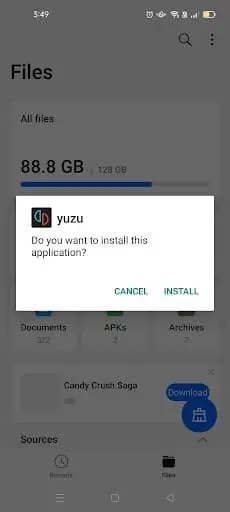
Once the file has finished downloading, just open it and follow the installation prompts. Then, grant the requested permissions to continue. As a result, this ensures Yuzu Emulator runs properly on your device.
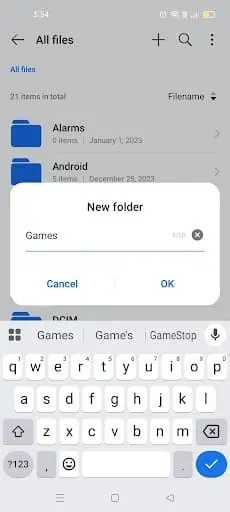
Next, Yuzu requires prod.keys to decrypt games. Download your legally dumped prod.keys and move them into a dedicated folder. For clarity, create a new folder named Games on your device to store both keys and game files.
To avoid issues, always follow the legal use of Yuzu emulator when preparing keys.
Following this, install ZArchiver from the Play Store. Then, open it, navigate to your Games folder, and select prod.keys → Extract Here.
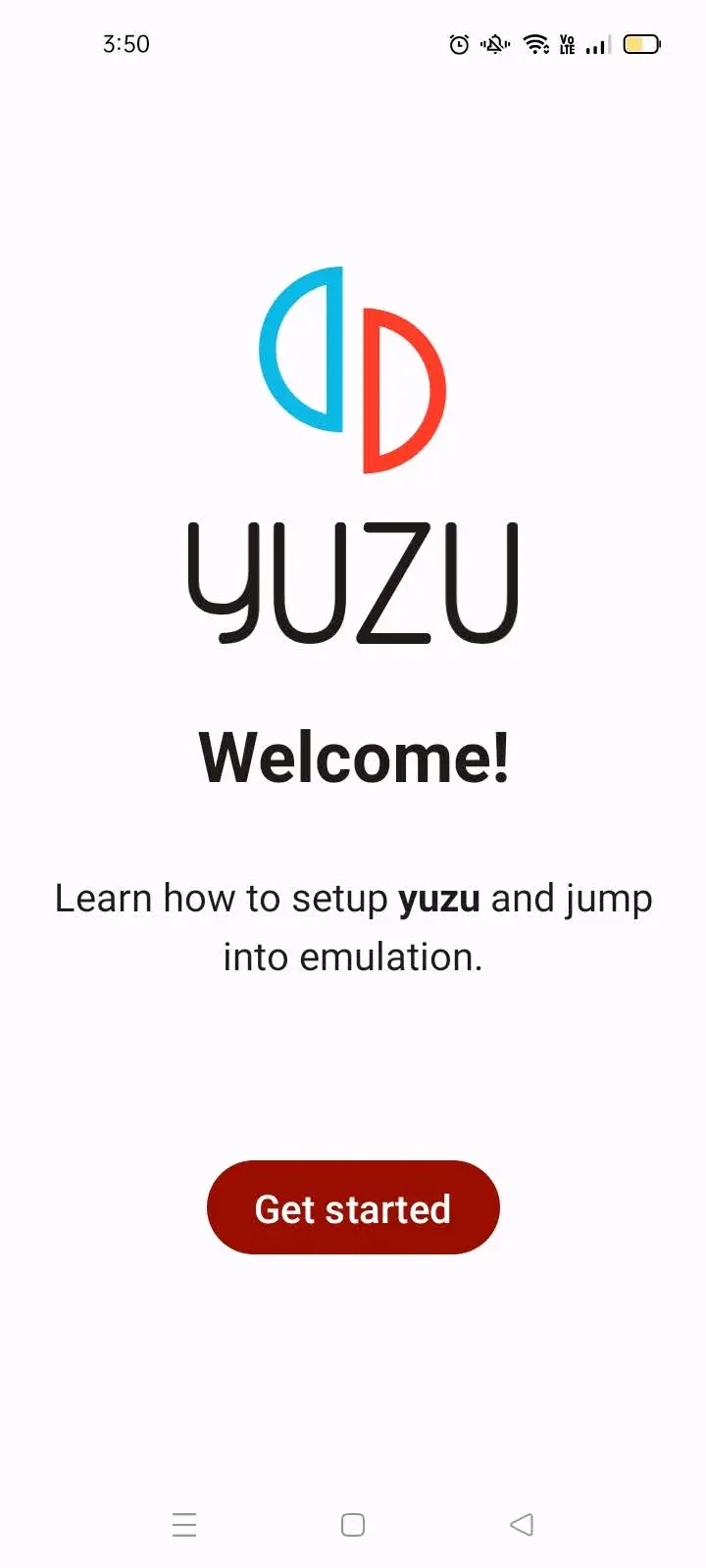
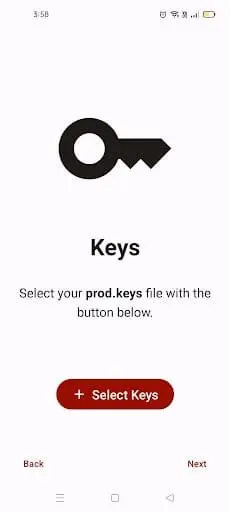
After extraction, open Yuzu Emulator → tap Get Started → select keys → navigate to your Games folder and choose prod.keys. Therefore, this step is essential for running games.
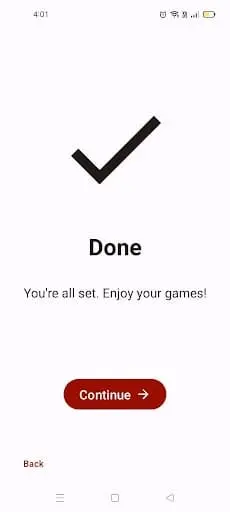
Subsequently, tap Add Games, select your Games folder, and click Use This Folder → Allow. Consequently, your titles will automatically appear in the Yuzu library.
To avoid lag, adjust these settings:
System → Limit Speed Always On (100%)
Docked Mode Off
Graphics → Accuracy: Normal
Resolution → 0.75x (540p/810p)
Enable Disk Shader Cache
Enable Force Max Clocks (Adreno only)
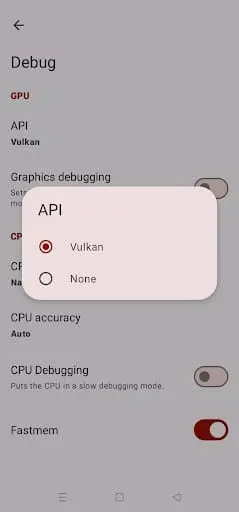
Debug → API = Vulkan
CPU Backend = Native Code Execution (NCE)
CPU Accuracy = Auto
Fastmem = On
Some titles run better on mobile, which are listed in our best games on Yuzu emulator guide.
After setup, double-tap a game to launch. Initially, the first run may stutter as the shader cache builds, but performance improves with each play. By applying these settings, Switch games can run fluidly—even on mid-range Android smartphones.
First, use a controller (Xbox, PlayStation, or Switch Pro) for a better experience.
Additionally, keep Yuzu updated from the official GitHub for bug fixes.
Moreover, avoid downloading games or keys from pirated sites to stay safe and legal.
✅ Yes, if downloaded from official GitHub or trusted forks.
Yes, prod.keys are essential to decrypt and play Nintendo Switch games.
Yes, with proper settings like resolution scaling (0.75x) and Vulkan API.
Yes, via LAN/VPN multiplayer – but not Nintendo Online.
Yuzu MMJ is optimized for Snapdragon devices and runs best on Android.
If you want to compare Android performance with PC, check our Yuzu vs Ryujinx comparison.
In conclusion, the Yuzu Emulator APK for Android 2026 is both legal and safe when used responsibly. The key is to always dump your own prod.keys, firmware, and game files directly from your Nintendo Switch. By combining this with verified downloads from GitHub or trusted forks like Yuzu MMJ and Suyu, you protect yourself from malware, fake APKs, and piracy risks.
Moreover, correct configuration makes all the difference. With optimized settings (Vulkan API, 0.75x resolution, shader cache, and proper CPU backend), even low-end Android devices can run Nintendo Switch games smoothly. Therefore, when you install Yuzu on Android in 2026, you not only stay within legal boundaries but also unlock a stable and enjoyable gaming experience.
👉 Final Note: Stay safe, stay legal, and enjoy Nintendo Switch gaming on your Android with Yuzu Emulator.

PlayWithYuzu.com is your complete guide to installing, configuring, and optimizing the Yuzu Emulator. Find tutorials, fixes, game compatibility lists, and performance tips for Android, PC, and Linux.